Friday, 16 January 2015

The Best Photo and Photoshop Changing

i have chosen that this photo is the most successful from my third photo shoot and therefore i will be using this for my final front cover. i chose this because i think it is much more interesting and a more exciting expression is shown. i like that she is using her hand to pose which i think makes the positioning quite cheesy which suits the magazine. i also like that there isn't any harsh shadows such as on the wall which were very visible in my other photo shoots. also this photo has enough space above her head and besides her, to enable me to write and apply the title and photos.


to edit the photo for the front cover i used Adobe Photoshop, i firstly removed the background by using the eraser tool which allowed me to create a transparent background and also get rid of the fly away hair on the top of her head. also i used the clone stamp tool which allowed any blemishes that i didn't want on the photo to disappear, such as the freckles and marks on her arms. also i used this tool for underneath her eyes to get rid of some of the crease to open her eyes more. i noticed on her arm and on her top that some strands of hair were there so i used the clone stamp tool also to blend the top and hair slightly so that it was less visible.

Tuesday, 6 January 2015

My Third PhotoShoot

for my third photoshoot i took photos of my friend again, but changing her clothes so that they are more suitbale. for her clothes i put her in a plain short white top. however to make this more interesting i chose the top that had some detailing around the neck. this made it look like she was wearing a necklace. i also changed her hair by curling so that it was slightly wave, i like the affect that this gave as the waves followed the edge of her face. i looked at different positioning, for example getting her to use her hands more and changing her perspective by getting her to turn to the side slightly. the lighting i used was artificial but i stood her more further away from the wall so that her hadow was not that obvious and also the lihting did not make her too shin. i did he makeup simiar to the last photoshoot by highlighting her dark areas and brightening her eyes using concealer and lightly cloured eyeshadow.

Thursday, 1 January 2015

My FrontCover

This is my front cover for my music magazine, i am quite happy with this as i think i have improved a lot. i like the colours that i have used and also the different fonts. however i think it could be better, such as the clipping path around the photos and images i have used.

Proof Of Indesign Front Cover


For the nail varnish and other objects and photos on the page, i used photoshop to remove the background. i did this by using the eraser tool which allowed me to erase the background colour. Also after i did this i used the clipping path of Indesign which make the removal of the background more accurate.

Drawings


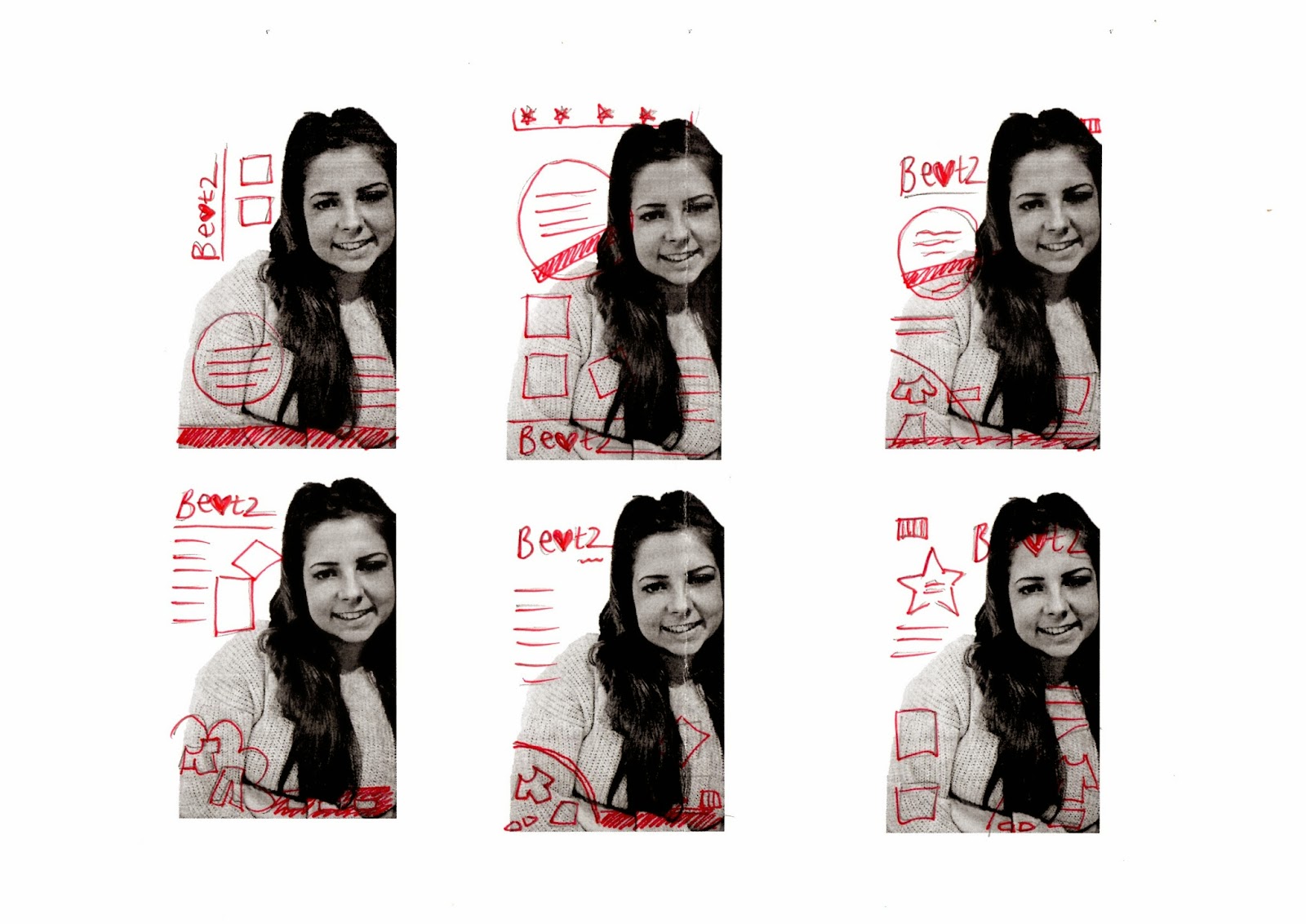
 to plan out my front cover i did some drawings and then scanned them in. i firstly used a photo from my second photoshoot as rough template of what my magazine will look like, (i will not be using this photo for my final draft). i drew out some of my ideas onto the 6 photos, i then looked at the ideas and features that i liked about each drawing. finally i drew out four possible front covers by using features that i liked from the other drawings. all of these drawings have a similar layout, which is the route that id like to go down. i like having the main title 'beatz' in the top left hand corner and having a clothes section at the bottom. i would like my magazine to include a photo and also a barcode either at the top or bottom corner. the drawing that i like the most and will be using to plan my front cover is the third drawing, displayed above.

Friday, 5 December 2014

Second Photoshoot

For my second photoshoot i decided to change the appearence of my model slightly by relating to the research i did after my first photoshoot. i used more  natural makeup and light eye shadow and highlighter to brighten her face. i also used blusher to make her cheeks more prominant. by looking at the ariana research i got my model to wear a cream jumper. i did similar poses as my last photo shoot but changed the way i shot the photos, by thinking about the lighting and the way she looked.